Secret AI Combos: How to Chain Tools for 10X Productivity (Free & Paid)”
Table of Contents
ToggleHow to Use AI Apps for Free: A Complete Guide
1. Free AI Apps for Text Generation
Artificial Intelligence (AI) is changing how we communicate, work, and create. The finest aspect? Strong AI tools can sometimes be accessed without a paid subscription. You can create text, photos, videos, music, and more with many apps’ free tiers without having to pay a dime.
TOPIC COVERED:
1. Best Free AI Applications for Various Purposes
2. How to Make Good Use of Them
3. Restrictions & Solutions
4. Moral Aspects 5. Website link for free AI tools
a) OpenAI’s ChatGPT
It produces human-like text for emails, essays, coding assistance, and other purposes.
Free Tier: GPT-3.5 is free, but GPT-4 might need a subscription.
How to Apply:
Register at chat.openai.com.
Enter prompts such as:
* “Compose a 300-word blog post about renewable energy.”
“I need help debugging this Python code.”
Ask follow-up questions to improve answers.
Restrictions:
The free version has limited memory.
may yield inaccurate or out-of-date information.
b) Google’s Gemini (formerly Bard)
What it does: Real-time web access AI chatbot.
Free Tier: Totally free.
How to Apply:
Go to gemini.google.com.
Pose queries such as:
“Recap the most recent AI news.”
* “Organize a seven-day vacation to Bali.”
Bonus: Allows for the uploading of images for analysis.
2. Free AI Apps for Image Generation
a) Bing Image Creator (DALL·E 3)
What it does: Converts text into AI images of superior quality.
Free Tier: 15 fast-generation boosts per day, followed by slower boosts.
How to Apply:
Visit bing.com/create.
Enter prompts such as:
“Digital art of a futuristic city at sunset.”
“A cute robot sipping coffee in the style of a cartoon.”
Advice: For better outcomes, be descriptive.
b) Leonardo.AI
What it does: Customizable advanced AI art generator.
Free Tier: approximately 150 photos per day (watermarked).
How to Apply:
Visit Leonardo.ai to register.
Choose a model (such as “Dream Shaper”) and start producing.
Pro Tip: To improve images, use negative prompts (such as “blurry, distorted”).
3. Free AI Apps for Video & Audio
a) CapCut (an AI video editor)
What it does: AI voiceovers, effects, and auto-captions.
Full access with a watermark is the free tier.
How to Apply:
Get CapCut on your desktop or mobile device.
Make use of AI tools such as
automatically captioning videos for social media.
YouTube video script generator powered by AI.
b) AI Voice Generator by ElevenLabs
What it does: Transforms text into speech that sounds natural.
10,000 characters per month for the free tier.
How to Apply:
Go to elevenlabs.io.
Choose a voice (such as “Rachel”) and type text.
Use Case: Excellent for audiobooks or podcasts.
5. Ethical Considerations & Limitations
a) Accuracy & Bias
AI can be wrong—always fact-check critical info.
b) Copyright & Plagiarism
Some AI-generated content may not be legally reusable.
c) Privacy Risks
Avoid sharing sensitive data in AI chats.
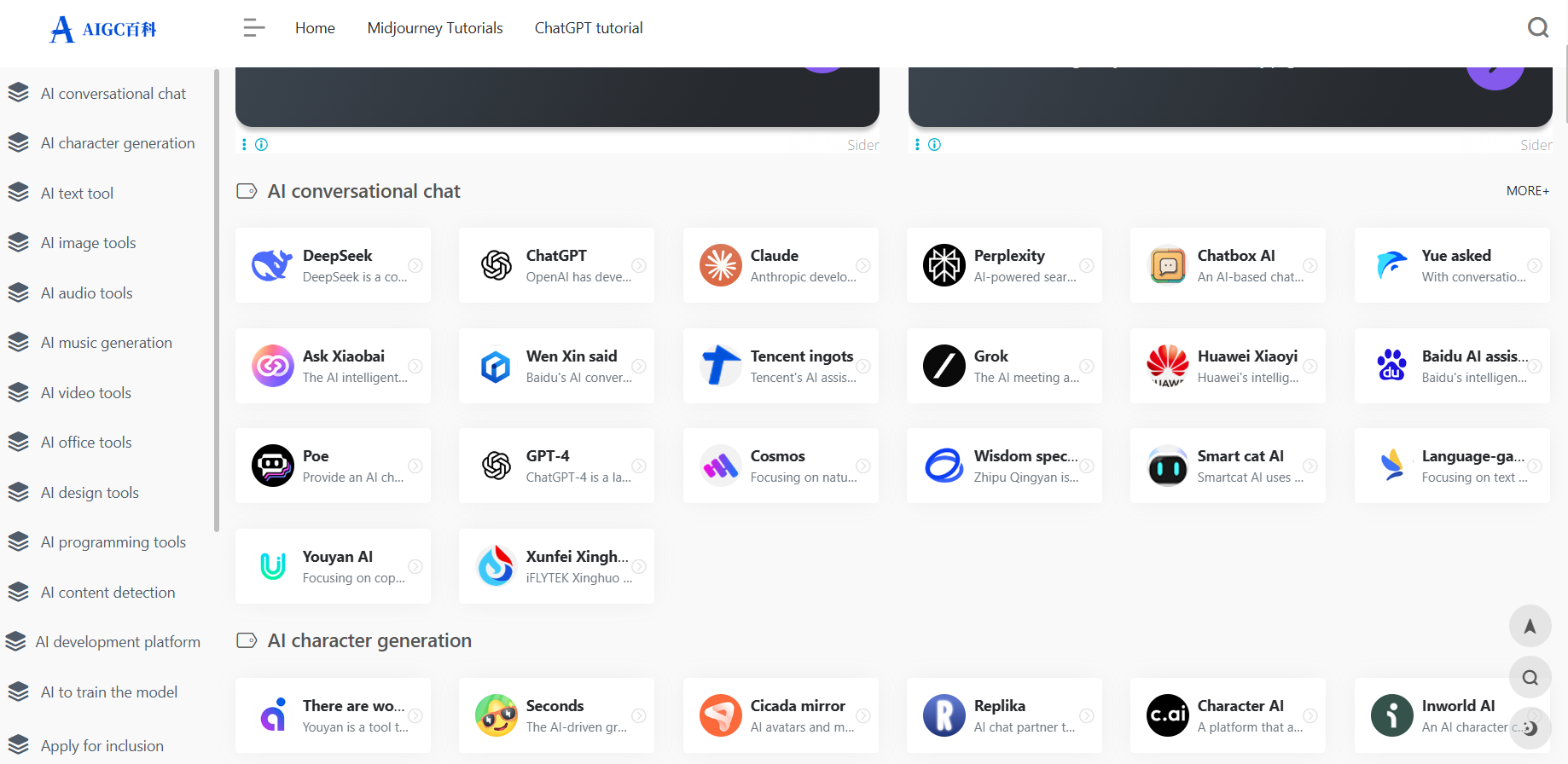
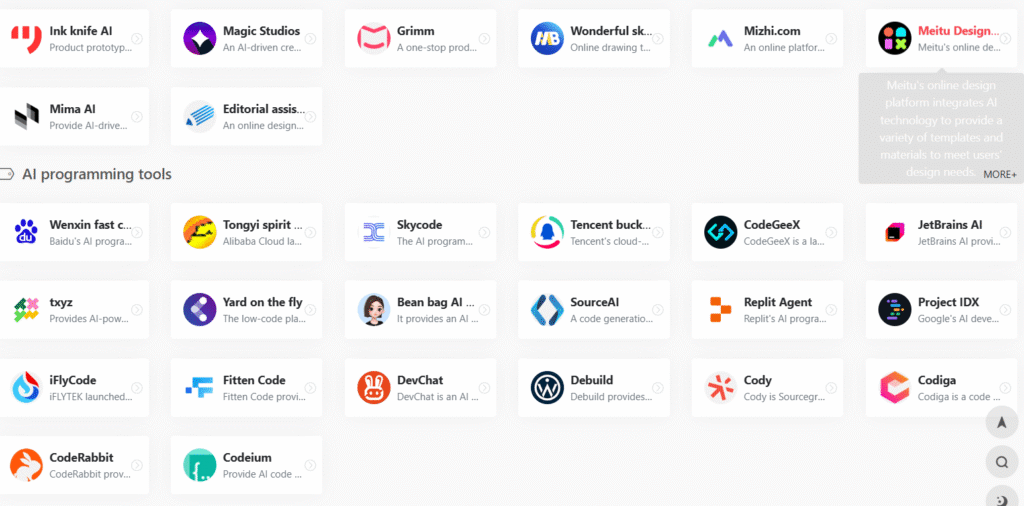
Website link for all AI tools
Visit the website for all tools in one place: check
FAQ
1. What is AIGC21?
AIGC21 is an AI-powered platform designed to [briefly describe the main purpose, e.g., “generate creative content, assist with AI tools, and provide cutting-edge solutions for businesses and individuals”].
2. What services does AIGC21 offer?
We provide:
AI-generated text, images, code, or other content (specify based on actual offerings)
Custom AI solutions for businesses
[Add any other key services]
3. Is AIGC21 free to use?
We offer both free and premium plans. Free users have limited access, while premium subscribers enjoy advanced features. [Link to pricing page]
4. How do I create an account?
Click Sign Up on the homepage and follow the instructions. You can register using your email or social media accounts.
5. How does the AI content generation work?
Our AI models analyze your input (text prompts, images, etc.) and generate high-quality outputs based on advanced machine learning algorithms.
6. Is the content generated by AIGC21 copyright-free?
Yes, you own the content you generate. However, check our Terms of Service for detailed usage rights.
7. Can I use AIGC21 for commercial purposes?
Yes, but ensure compliance with our licensing terms. Commercial users may need a premium subscription.
8. What payment methods do you accept?
We accept credit/debit cards, PayPal, and other major payment gateways.
9. How can I contact support?
For help, email support@aigc21.com or visit our Contact Us page.
10. Do you offer API access?
Yes, developers can integrate AIGC21’s AI capabilities via our API. Check the API Documentation for details.
11. How is my data secured?
We follow strict data protection measures (e.g., encryption, GDPR compliance). Read our Privacy Policy for details.
12. Can I cancel my subscription anytime?
Yes, you can cancel your plan anytime, and it will not auto-renew.