Make Free Sketches : A Revolutionary Love AI-Powered Sketch-to-Animation Tool
Table of Contents
ToggleIntroduction
Tools that connect creativity and technology are becoming increasingly popular in the quickly developing field of artificial intelligence (AI). One such ground-breaking platform is Sketch.metademolab.com, a cutting-edge website driven by artificial intelligence that turns basic hand-drawn sketches into animated characters.
Researchers at Meta (formerly Facebook) created this tool, which uses sophisticated machine learning algorithms to give life to static drawings. This platform provides an entertaining and interactive way to watch your sketches move in real time, regardless of whether you’re an artist, educator, or just a doodler.
Topics Coverd :
1. Important attributes and advantages
2. How it can be used by businesses, artists, and educators
3. Why major tech companies and AI experts suggest it
4. The potential of AI-powered animation tools in the future
What is Sketch.metademolab.com?
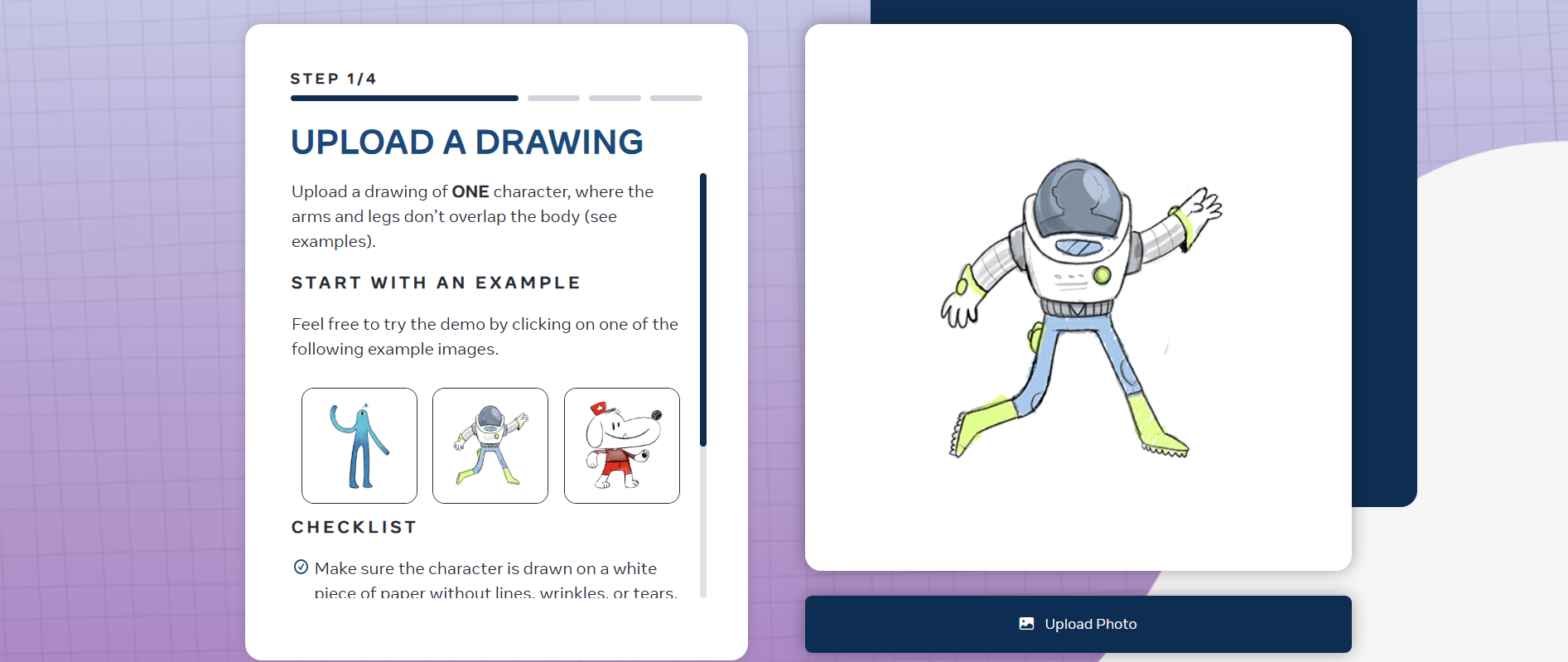
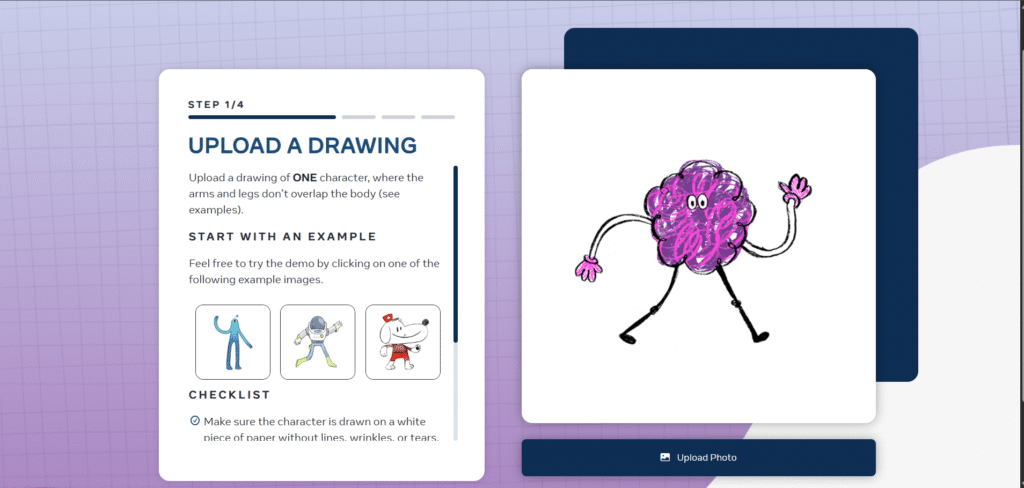
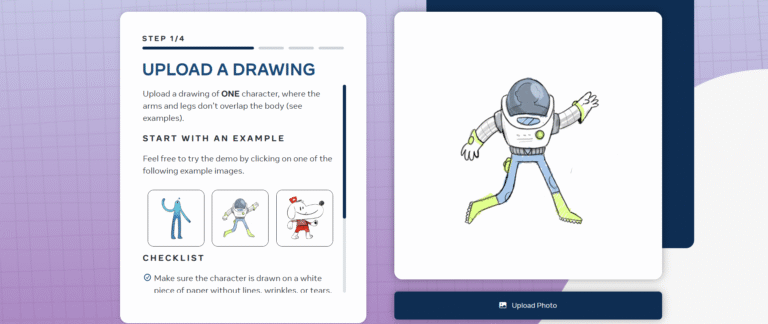
With the help of the web-based AI tool Sketch.metademolab.com, users can upload or draw a basic 2D sketch and have it animated instantly. The platform creates a moving character, recognizes limbs and joints (even if they are poorly drawn), and interprets the sketch using deep learning models.
This tool, which was created by Meta’s AI research team, demonstrates the creative applications of computer vision and neural networks. This AI makes animation accessible to everyone by automating the process, in contrast to traditional animation software that necessitates frame-by-frame editing.
How Does It Work?
The technology behind Sketch.metademolab.com involves:
Sketch Recognition – The AI analyzes the uploaded drawing, detecting body parts (head, arms, legs) even if they are abstract.
Rigging & Motion Prediction – It automatically adds a skeletal structure (rigging) to the sketch and predicts possible movements.
Animation Generation – Using pre-trained motion models, the AI animates the character with walking, dancing, or jumping motions.
The process is seamless, requiring no prior animation skills. Users can:
Draw directly on the canvas
Upload an existing sketch
Adjust animations with simple controls
Key Features & Benefits
1. An intuitive user interface
It operates directly in the browser and requires no complicated software installation.
Simple controls to change the style and speed of animation.
2. Automation Driven by AI
removes the need for keyframing and manual rigging.
saves designers and animators hours of labor.
3. Uses in Education
Excellent for educating children about AI and animation.
aids students in visualizing STEM and digital art concepts.
4. Uses in the Arts and Entertainment
Animated characters for videos can be produced rapidly by content creators.
Character movements can be easily prototyped by game developers.
5. Free and Available
There are currently no subscription costs.
democratizes animation for both professionals and enthusiasts.
Why Big AI Companies Recommend This Tool
Leading AI researchers and tech companies have taken notice of Sketch.metademolab.com for a number of reasons:
1. Highlights Meta’s Developments in AI
illustrates Meta’s advancements in generative AI and computer vision.
focuses on practical uses of AI that go beyond image generators and chatbots.
2. Possibility of AI Integration in the Future
Possibly incorporated into VR/AR settings (Meta’s Metaverse vision).
could lead to the development of next-generation AI tools for automated video production.
3. Research and Academic Value
Its algorithms for sketch-based modeling are studied by universities and AI labs.
cited at AI conferences as an illustration of the creative cooperation between humans and AI.
4. Favorable Reaction in Tech Media
highlighted for its inventiveness in TechCrunch, Wired, and The Verge.
praised on Twitter and LinkedIn by AI influencers.
1. Animators and Digital Artists
Test character designs as soon as possible before going into production.
Animations can be exported for use in Blender or Adobe After Effects.
2. Teachers and Students
An interactive approach to teaching digital arts, robotics, and artificial intelligence.
promotes innovation in STEM education.
3. Without the need for sophisticated software, game developers can prototype 2D game characters.
Use AI-generated motions in Unreal Engine or Unity as stand-ins.
4. Content Producers for Social Media
Create original animated avatars for Instagram, TikTok, or YouTube.
Use original animations to improve storytelling.
5. Researchers & AI Enthusiasts
Examine the interpretation and animation of sketches by AI.
Examine the relationship between machine learning and art.

Limitations & Future Improvements
Despite its impressiveness, Sketch.metademolab.com has certain drawbacks. Simple humanoid sketches—not intricate creatures—work best. restricted animation styles (mostly motions of walking and jumping). No sophisticated editing tools (such as custom motions or facial expressions).
FAQ
1. What’s Sketch.MetaDemoLab.com?
It’s a cool demo where you can play with AI to sketch and draw. It helps you make drawings or change them up using machine learning.
2. Does it cost anything?
Nope, it’s free to use on your web browser right now.
3. Do I have to sign up?
Nah, you don’t need an account. But some stuff might need to store data for a bit.
4. What can I use it on?
It’s best on Chrome, Firefox, or Edge if your browser is up-to-date. It might not work as well on phones.
Features & How to Use It
5. How does the AI drawing thing work?
The tool probably uses AI to finish your sketches, turn simple drawings into good images, or make drawings move. What it does exactly depends on the demo.
6. Can I keep my drawings?
See if there’s a button to save or download. Some demos save stuff for a little bit, or you might need to take a screenshot.
7. Are there templates or other stuff to use?
Check the toolbar for brushes, shapes, or AI help.
Technical Stuff
8. Why is it slow?
Try refreshing the page, closing other tabs, or using a better computer. AI stuff can use a lot of power.
9. My drawing won’t load! What do I do?
Try clearing your browser’s cache or use another browser.
10. Can I use it without internet?
No, you need internet for the AI to work.
Privacy
11. Does MetaDemoLab keep my drawings?
Usually, demos just use your drawings for a little bit. But check the site’s privacy policy to be sure.
12. Can I use the drawings to make money?
Read the terms of use. Some demos might not let you use the AI-made stuff for commercial stuff.
Feedback
13. How do I tell them if something’s broken or give them my thoughts?
Look for a Contact link or email the people who made it if they have an email listed.
14. Who made this thing?
Probably a research thing from Meta (used to be Facebook) or some lab connected to them.